
Imagine walking into a beautiful retail store. You push the door, but it gets stuck. You try again, and it opens a tiny bit, making you wait out in the cold. How long before you walk away and visit the competitor down the street? In the e-commerce world, a slow website is that stuck door. If your online store takes longer than three seconds to load, you are losing money every single minute. Modern shoppers expect instant gratification. A one-second delay can drop your conversions by up to 20%. Google also uses mobile page speed as a major ranking factor. If your site crawls, your search rankings will sink. Thankfully, you do not need an advanced computer science degree to fix this. Here is your definitive, non-technical guide on how to improve Shopify store speed and rescue your sales today.
1. Audit Your Current Speed First
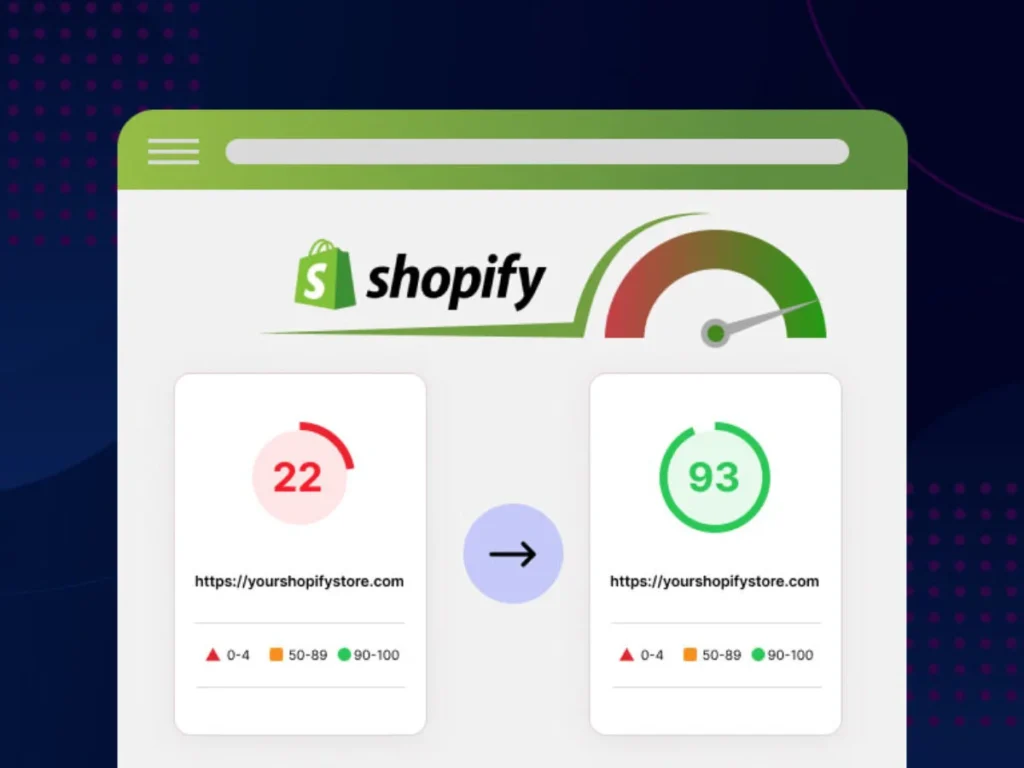
Before fixing anything, you must establish a clear baseline. Simply loading your website on your own laptop is not enough, as your browser may have cached (stored) files that make the site appear faster than it does for a first-time visitor. For businesses looking to optimize shopify speed, testing performance from different devices and locations provides a more accurate picture of the real customer experience.
Use free, objective tools to test your real performance:
- Google PageSpeed Insights: This tool scores your mobile and desktop performance from 0 to 100 and flags specific issues.
- GTmetrix: This platform provides excellent insights into total page size and loading timelines.
- Shopify Online Store Speed Score: Check your Shopify dashboard to see how your store stacks up against similar businesses.
2. Crop and Compress Your Images
High-resolution product photography captures attention, but massive, unoptimized image files crush loading speeds. If you upload raw smartphone photos or uncompressed DSLR shots directly to your product pages, your store will choke.
You can fix this easily without making your photos look blurry:
- Resize before uploading: Do not upload a 4000×4000 pixel image if it only displays as an 800×800 pixel thumbnail.
- Use WebP format: This modern image format provides superior compression and quality compared to old JPEG or PNG formats.
- Run a compression tool: Use free apps or online batch compressors to strip out invisible background data from your images without losing visual clarity.
3: Remove Unused Shopify Apps
Every app you install on Shopify adds code to your store, even if you turn the app off. Over time, these apps pile up and quietly slow your store down in the background.
Go through your app list right now and ask yourself:
- Do I actually use this app regularly?
- Does it duplicate a feature another app already covers?
- Can I build this feature natively into my theme instead?
Delete every app you don’t actively use, because unnecessary apps can silently slow down your Shopify store and hurt performance without you even noticing. The team at Feynix Solution regularly audits client stores as part of their Website Design and Development Services and often finds 8–12 apps running in the background that store owners don’t even remember installing. These hidden apps can add extra scripts, increase loading time, and reduce overall site efficiency, which directly impacts user experience and sales.
4: Switch to a Faster Shopify Theme

Your Shopify theme is the foundation of your store. Some themes are beautiful but terribly slow. They load massive CSS files, JavaScript libraries, and render-blocking resources that eat up precious seconds.
Look for themes that offer:
- Minimal, clean code with no unnecessary scripts
- Built-in lazy loading and image optimization
- Mobile-first responsive design
- High scores on Google PageSpeed out of the box
Feynix Solution builds and customizes Shopify themes from scratch with speed baked into every line of code. If your current theme is dragging you down, we can rebuild it without sacrificing the design you love.
5: Minimize JavaScript and CSS Files
Every time a visitor lands on your store, their browser downloads JavaScript and CSS files. If those files are large and unoptimized, the browser spends more time loading code than showing your products.
You can speed things up by:
- Minifying JavaScript and CSS files to reduce their file size
- Deferring non-critical JavaScript so it loads after the page is visible
- Removing render-blocking resources that delay your first paint
- Combining multiple CSS files into one where possible
This step requires technical knowledge, and that’s exactly where Feynix Solution steps in. Our developers clean up your store’s code so every page loads as fast as possible. If you’re still deciding between platforms, check out our detailed breakdown Shopify vs Custom Website where we cover the real differences in speed, cost, flexibility, and long-term growth so you can make the right call for your business.
6: Enable Browser Caching and Use a CDN
When a customer visits your store, their browser can save certain files locally, so the next visit loads instantly. That’s called browser caching, and it makes a massive difference for returning customers. On top of caching, a Content Delivery Network (CDN) stores copies of your store’s assets on servers around the world. So a customer in Los Angeles and a customer in Miami both get lightning-fast load times, because the server closest to them delivers the files.
Shopify already uses a global CDN by default, but you can take it further by:
- Setting proper cache headers for static assets
- Using a third-party CDN like Cloudflare for added performance
- Storing product videos on YouTube or Vimeo instead of self-hosting
Feynix Solution configures CDN and caching settings as part of every Shopify optimization project, ensuring your store loads fast no matter where your customers are. If you want to learn how AI is changing the way websites are built, you can read our full guide on AI-powered website development services.
7: Optimize Your Shopify Store for Mobile

More than 70% of Shopify purchases happen on mobile devices. If your store runs slow on a phone, you’re losing the majority of your potential sales. Mobile optimization isn’t optional, it’s essential.
To speed up your store on mobile:
- Use responsive design that adapts to every screen size
- Serve smaller image sizes to mobile users automatically
- Eliminate large pop-ups or overlays that block content on small screens
- Test your store on real mobile devices, not just a browser preview
At Feynix Solution, we test every Shopify store on multiple real devices before declaring the job done. We don’t ship a fast desktop experience with a broken mobile version.
How Feynix Solution Helps You Improve Shopify Store Speed
When it comes to how to improve Shopify store speed, expert help makes a huge difference. Feynix Solution specializes in Shopify performance optimization for businesses targeting USA audiences.
Their services include:
- Complete Shopify speed audit
- Theme optimization and cleanup
- Image compression and performance tuning
- App performance analysis
- Code optimization (CSS, JS, Liquid)
- Mobile speed enhancement
- Conversion-focused store improvements
Instead of guessing what slows your store down, Feynix Solution identifies exact issues and fixes them strategically. Feynix Solution brings your brand’s digital vision to life. We offer custom-tailored solutions across SEO, Digital Marketing, Brand Growth, SaaS, and Custom Website Development designed to keep you steps ahead of the market.
Customer Reviews
1. John Miller – New York, USA
“I noticed my store was losing customers due to slow loading. After improving my site speed, my conversion rate increased within weeks.”
2. Emily Carter – California, USA
“The improvements made a huge difference. My Shopify store now loads smoothly, especially on mobile devices.”
3. Michael Brown – Texas, USA
“I didn’t realize how much slow speed was hurting my sales. After optimization, my bounce rate dropped significantly.”
4. Sarah Johnson – Florida, USA
“My store feels much faster now. Customers can browse products without delays, and sales improved naturally.”
5. David Wilson – Illinois, USA
“The performance boost was noticeable immediately. Faster pages really helped increase customer engagement.”
People Also Asked (PAA)
1. Does a slow Shopify store affect my Google rankings?
Yes, absolutely. Google uses mobile page speed as a core ranking factor. If your Shopify store takes too long to load, Google will push your website down the search results, driving your organic traffic straight to your competitors.
2. Why is my Shopify store speed score so low on mobile?
Mobile scores drop because mobile devices have slower processors and networks than desktop computers. Heavy images, bloated theme code, and too many third-party tracking apps easily overwhelm mobile browsers, dragging your score down.
3. Will deleting apps instantly speed up my Shopify site?
Yes, deleting active apps helps. However, many apps leave behind leftover “ghost code” in your Shopify theme files even after uninstallation. To restore full speed, you must manually remove these old code snippets.
4. What is a good speed score for a Shopify store?
A Shopify speed score above 50 is acceptable, but aiming for a score of 70 or higher on Google PageSpeed Insights puts you ahead of most competitors. More importantly, ensure your actual page loads in under 3 seconds.
5. Can I improve my Shopify store speed without coding knowledge?
You can handle basic optimization yourself, like compressing images and removing unused apps. However, for deep code minification and script optimization, hiring a professional team ensures your site stays safe and fast.
Final Thoughts
Improving your Shopify store speed is one of the smartest and most valuable investments you can make for your online business growth. A faster store not only enhances the overall user experience but also builds trust, reduces bounce rates, and directly increases conversions and revenue over time. When your website loads quickly, customers are more likely to stay longer, explore more products, and complete their purchases without any frustration or delay. But if you want expert-level improvement, deeper technical optimization, and faster, more measurable results, Feynix Solution can help you take your Shopify store performance to the next level with proven strategies and professional optimization techniques.
Fuel Your Shopify Sales with Lightning Speed!
If your online business struggles with slow loading times or you have questions about optimizing your code to keep your store fast, responsive, and ahead of the competition, the Feynix Solution Team is ready to step in.
-
Send Us an Email: Have questions about image compression, liquid theme cleanup, or how our technical specialists can skyrocket your mobile score? Drop us a line at info@feynixsolution.com. We read every message and reply with actionable, straightforward advice.
-
Launch Your Optimization Today: Ready to give your customers an instant checkout experience? Head over to our website and click Contact Us to share your speed bottlenecks. Our team analyzes your storefront quickly and builds a custom performance plan for your brand.
Follow the Feynix Solution Journey
We regularly share advanced Shopify optimization tricks, Core Web Vitals guides, and e-commerce growth strategies. Follow Feynix Solution online and never let a slow website kill your sales:
About the Author
This article is written and reviewed by the Feynix Solution Team, a group of Shopify optimization specialists focused on improving eCommerce performance, user experience, and conversion rates. The team actively works with online store owners to identify speed issues and implement practical solutions that drive real business growth. The Feynix Solution Team follows a data-driven approach and ensures every recommendation improves both website performance and sales outcomes.