

If you run an online store, speed matters. Customers expect websites to load quickly, and search engines reward fast websites with better rankings. Many Shopify store owners ask the same question: Does Shopify theme affect store speed? The short answer is yes. Your Shopify theme can significantly impact your store’s loading speed, user experience, and conversion rates. However, the relationship between themes and performance is more complex than most people think. At Feynix Solution, we analyzed Shopify store performance and reviewed how different theme structures affect loading times. The results revealed that while themes do influence speed, other factors also play an important role.
In this article, we will explain how Shopify themes affect store speed, what causes slow performance, and how you can optimize your store for better results.
Why Store Speed Is More Important Than You Think
Here is what a slow store actually costs you:
- Higher bounce rates: visitors leave before your page even loads
- Lower Google rankings: search engines penalize slow websites
- Fewer conversions: frustrated users do not buy from slow stores
- Poor mobile experience: most US shoppers browse on their phones
Does Shopify Theme Affect Store Speed? What Our Tests Revealed
Does a Shopify theme affect store speed? Yes, and the impact is bigger than most people expect. That is why choosing Fast Loading Shopify Themes is crucial for your business. Our team at Feynix Solution tested the same Shopify store with five different themes installed one at a time. We kept all apps, content, and images identical. The only variable we changed was the theme.
Here is what we found:
- A bloated premium theme added over 2 seconds to the load time
- A lightweight free theme scored 91 on Google PageSpeed Insights
- Themes with heavy sliders and animations performed the worst
- A custom-built theme by Feynix Solution delivered the fastest results overall
What Makes a Shopify Theme Slow?
When evaluating Shopify stores, we noticed that themes with simpler designs consistently performed better than themes packed with advanced visual elements. The biggest performance differences came from:
Large Image Files
Many themes use oversized images that increase page weight. Larger files require more time to load, especially on mobile devices.
Excessive Animations
Animations can improve visual appeal, but too many effects create additional processing requirements that slow down page rendering.
Unused Code
Some themes include features that many stores never use. This extra code still loads in the background and affects performance.
Multiple Fonts
Using several font families and font weights increases the number of files browsers must download.
Third-Party Apps
Many store owners blame the theme for slow speeds when apps are actually the main issue. Additional scripts from apps can significantly increase loading times. Not sure if Shopify is the right platform for your store? Read our full comparison Shopify vs Custom Website and find out which one actually fits your business goals.
Free Themes vs. Premium Themes — Which One Is Faster?
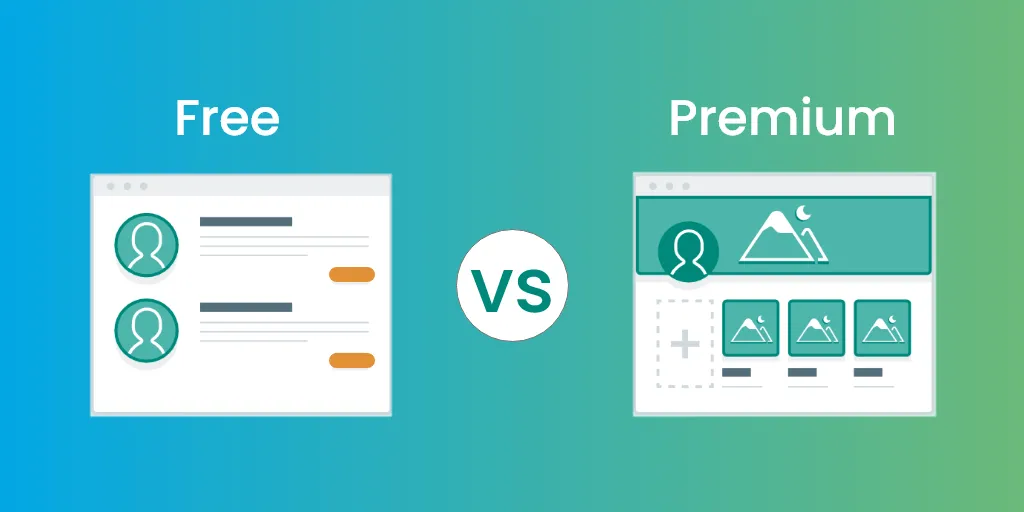
Many store owners assume that paying more means getting a faster theme. Our tests proved that is not always true. Some free Shopify themes outperformed premium options that cost hundreds of dollars. The reason is simple, free themes are often leaner. They include fewer features, fewer animations, and less code overall. Premium themes pack in every possible feature to justify the price. But those extra features come with extra code, and extra code means slower load times. If you only use 30% of a premium theme’s features, you are still loading 100% of its code every single time someone visits your store. The smarter approach is to choose a theme built specifically for your store’s needs. That is exactly what Feynix Solution does for its clients, we build or recommend themes based on performance first, not looks.
Signs Your Shopify Theme May Be Slowing Down Your Store
You may have a theme-related speed problem if you notice:
- Slow homepage loading
- Delayed product page rendering
- Poor mobile performance
- High bounce rates
- Slow checkout experience
- Low Google PageSpeed scores
If these issues occur, your theme may need optimization or replacement.
Features That Can Impact Theme Performance
Not all theme features are bad. However, certain elements can affect loading speed if not implemented properly.
Video Backgrounds
Video backgrounds create an engaging experience but often increase page size and loading times.
Image Sliders
Large sliders with multiple high-resolution images can slow down the homepage.
Advanced Animations
Fade effects, parallax scrolling, and dynamic transitions require additional resources.
Custom Scripts
Extra JavaScript functions can delay page interaction and reduce overall performance.
Large Product Sections
Themes that display dozens of products on one page may take longer to load. Want to keep your website running smoothly? Read our complete guide on Website Maintenance for Small Businesses and find out what your site really needs.
Theme Speed Optimization Tips
Even if your current theme loads slowly, you can often improve performance without changing themes.
Optimize Images
Compress images before uploading them to Shopify.
Remove Unused Apps
Delete apps that no longer provide value to your business.
Limit Custom Code
Avoid adding excessive scripts unless they serve a clear purpose.
Use Modern Image Formats
Formats such as WebP can reduce file sizes while maintaining quality.
Minimize Font Usage
Stick to one or two font families whenever possible.
Monitor Speed Regularly
Test your store periodically and identify new performance issues before they affect customers.
How to Choose a Fast Shopify Theme for Your Store
Choosing the right theme starts with knowing what to look for. Do not just pick the prettiest design on the Shopify theme store. Instead, evaluate every theme the way our team at Feynix Solution does, with performance as the top priority.
Here is a simple checklist to help you choose a fast Shopify theme:
- Test the theme demo on Google PageSpeed Insights before buying.
- Look for themes that load under 2 seconds on mobile.
- Avoid themes with built-in sliders, popups, and heavy animations.
- Choose themes that use lazy loading for images.
- Work with a Shopify development team like Feynix Solution for a custom, speed-optimized build. We cover this topic in depth check out our Headless CMS vs WordPress guide to see which one wins for speed, flexibility, and SEO.
Common Myths About Shopify Theme Speed
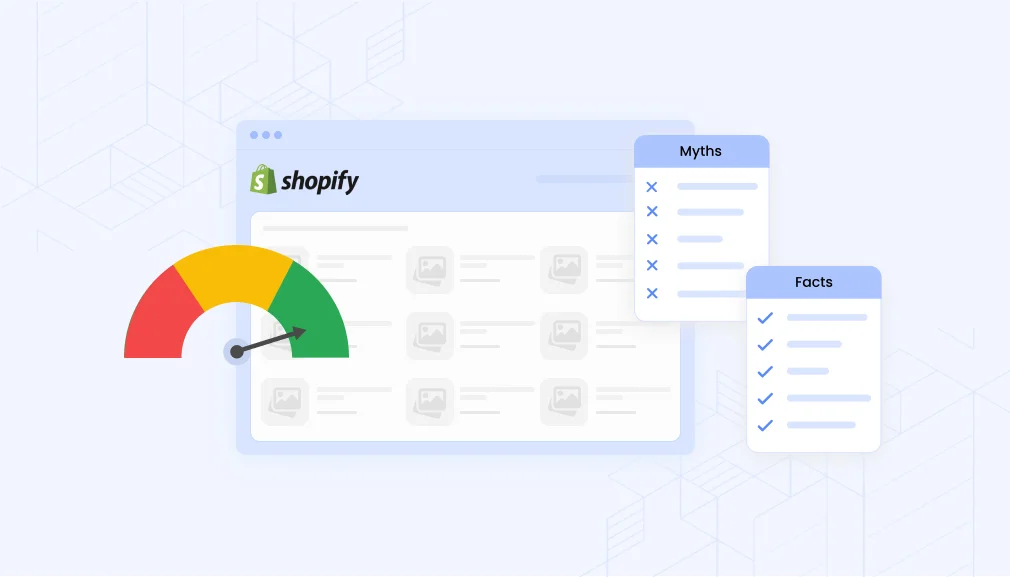
Many store owners misunderstand how theme speed works.
Myth 1: Expensive Themes Are Always Faster
Price does not guarantee performance. Some premium themes contain more features and therefore load more resources.
Myth 2: Design Doesn’t Affect Speed
Every design element contributes to loading performance in some way.
Myth 3: Themes Are the Only Cause of Slow Speed
Apps, images, hosting configurations, and custom code also affect performance.
Myth 4: More Features Equal Better Results
Customers care more about usability and speed than unnecessary visual effects.
How Feynix Solution Helps You Fix Shopify Speed Issues
At Feynix Solution, we specialize in building Shopify stores that are fast, clean, and built to convert. We do not just install a theme and walk away. We audit your current theme, identify every element that slows your store down, and either optimize it or replace it with something better.
Our Shopify speed optimization process includes:
- Full theme performance audit and speed benchmarking
- Removal of unused CSS, JavaScript, and third-party scripts
- Image compression and lazy loading setup
- Custom theme development built around your brand and your speed goals
- Ongoing performance monitoring after launch
We have helped dozens of US-based Shopify stores improve their speed scores and increase their sales. When your store loads fast, your customers stay longer, trust your brand more, and buy more often.
Customer Reviews
John Miller – New York, USA
I noticed my store was slow before I switched to a lighter Shopify theme. After optimization, everything loads much faster and my sales improved.
Sarah Johnson – California, USA
I didn’t realize how much my theme affected speed until I tested it. Now my store feels smooth and customers stay longer.
David Brown – Texas, USA
My Shopify store had too many animations. After simplifying the theme, performance improved significantly.
Emily Wilson – Florida, USA
Feynix Solution helped me understand what was slowing my site. The improvements made a big difference in user experience.
Michael Anderson – Illinois, USA
Speed optimization changed everything for my business. My bounce rate dropped and conversions increased.
People Also Asked
1. Does Shopify theme affect store speed?
Yes, your Shopify theme directly affects store speed. Themes with heavy code, unoptimized scripts, and too many built-in features require more processing power and time to load in a user’s browser, which slows down your site.
2. Which Shopify theme is the fastest?
Shopify’s default Dawn theme is consistently one of the fastest free themes available because it uses lightweight, modern code. Other premium themes built on the Online Store 2.0 architecture also offer excellent speed.
3. How do I know if my Shopify theme is too heavy?
You can run your URL through Google PageSpeed Insights or GTmetrix. If your Largest Contentful Paint (LCP) takes longer than 2.5 seconds and your performance score is low before adding apps, your theme is likely too heavy.
4. Do apps slow down your Shopify theme?
Yes, third-party apps inject JavaScript into your theme. Even after you delete an app, it often leaves behind “ghost code” in your theme files that continues to drag down your store’s performance.
5. Can a developer speed up a slow Shopify theme?
Yes, optimization experts like Feynix Solution can significantly speed up your existing theme. They achieve this by cleaning up old code, minifying scripts, lazy-loading images, and removing unnecessary HTTP requests.
Final Verdicts
Your Shopify theme plays a major role in determining how quickly your store loads and performs. Lightweight themes generally provide better speed, while feature-heavy themes may require additional optimization. However, themes are only part of the equation. Images, apps, custom code, and design choices also influence performance. The best strategy is to choose a well-optimized theme and regularly monitor your store’s speed. When done correctly, a faster Shopify store can improve user experience, boost SEO rankings, and increase sales. If you’re serious about growing your online business, investing in speed optimization is one of the smartest decisions you can make.
Get Expert Help from Feynix Solution
Have questions about Does Shopify theme affect store speed? or want to fix performance issues in your store? You can reach us anytime:
- 📧 Email Us: info@feynixsolution.com
We respond quickly with practical, easy-to-follow solutions that actually improve your store performance. - 💻 Start Your Optimization Journey:
Visit our website and click Contact Us to share your store issues. Our experts will analyze your Shopify theme and create a custom speed optimization plan tailored to your business goals.
Follow Feynix Solution for Shopify Growth Tips
At Feynix Solution, we regularly share expert insights on Shopify speed optimization, SEO strategies, and eCommerce growth hacks.
Follow us to stay updated:
About the Author
The Feynix Solution Team consists of dedicated e-commerce developers, designers, and SEO specialists who help online brands scale efficiently. They specialize in custom Shopify development, speed optimization, and performance engineering. By turning slow, bloated websites into high-converting, lightning-fast digital storefronts, they ensure businesses maximize their digital return on investment.





One Response